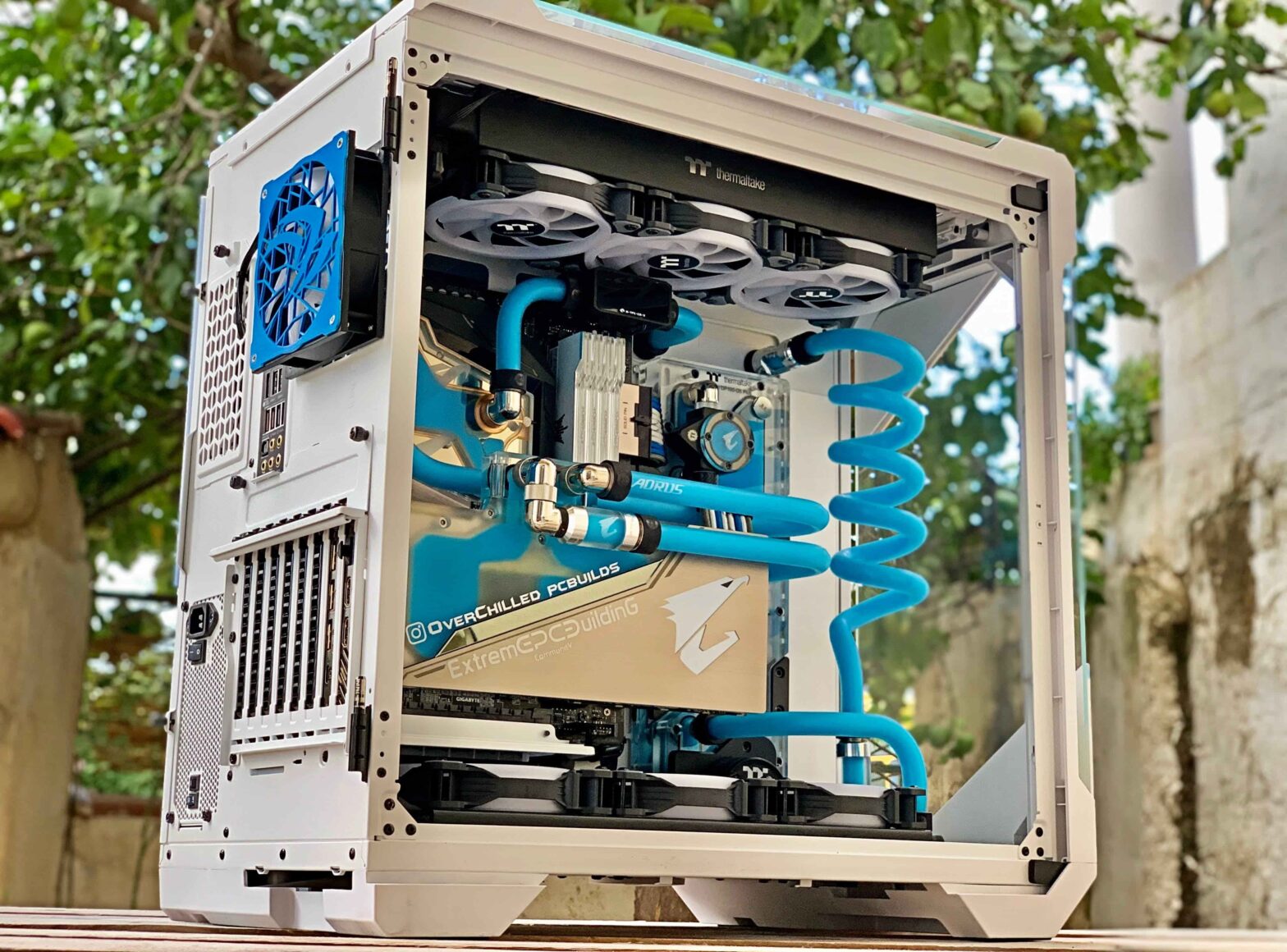
Carnero – The custom PC community is obsessed with specifications. Forum discussions devolve into debates about core counts and clock speeds. YouTube channels benchmark the same games across dozens of configurations. Beginners entering the space are inundated with information about what parts are “best” without any guidance about what parts are right for them. The result is a generation of builders who overspend on capabilities they never use, underinvest in components that would actually improve their experience, and end up with machines that are technically impressive but personally unsatisfying. The foundation of a successful custom PC build is not component selection; it is purpose definition.
Why Defining Your Needs Comes Before Makes Custom PC
The first question every builder must answer is not “what GPU should I buy?” but “what will I use this computer for?” The answer determines every subsequent decision. A machine built for competitive gaming at 1080p with high refresh rates has different requirements than a machine built for 4K single-player gaming with maximum graphical fidelity. A workstation for video editing needs different components than a machine for software development. A general-purpose family computer has different priorities than a dedicated simulation rig. Builders who skip this step are building blind.
Resolution and refresh rate targets are the primary drivers of GPU selection. A builder targeting 1080p at 144Hz requires far less GPU power than a builder targeting 4K at 144Hz. The difference is not marginal; it can be the difference between a $300 GPU and a $1,500 GPU. Builders who select a GPU before determining their display targets often end up either overspending on capabilities they cannot use or underspending and being disappointed with performance. The display should be chosen before the GPU, not after.
The distinction between gaming and productivity workloads shapes CPU and RAM decisions. Gaming benefits from higher clock speeds and benefits less from additional cores beyond six or eight. Productivity workloads—video editing, 3D rendering, software compilation—scale with core count and benefit from additional RAM. A gaming-focused builder might prioritize a CPU with fewer cores but higher clock speeds; a productivity-focused builder might sacrifice some clock speed for additional cores. Neither choice is universally correct; both are correct for their respective purposes.
The longevity question affects every component decision. A builder who expects to upgrade components annually can make different choices than a builder who expects the machine to last five years without significant changes. The upgrade-focused builder might select a motherboard with the latest socket but a mid-range CPU, planning to replace the CPU when faster options become available. The longevity-focused builder might invest more in the initial CPU, accepting that the socket will be obsolete by the time an upgrade is needed. Neither approach is wrong, but they lead to different allocations of budget.
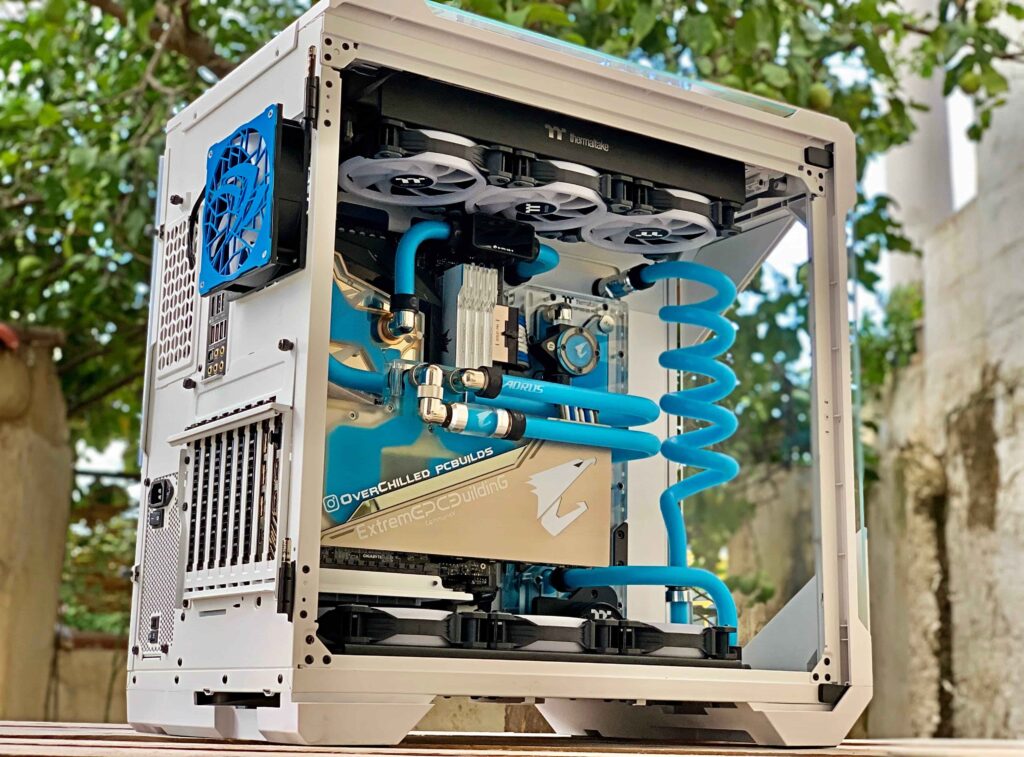
The aesthetic considerations, while secondary to performance, should not be ignored. A builder who will see their computer daily should build something they enjoy looking at. The investment in aesthetic components—RGB lighting, custom cables, themed color schemes—is not wasted if it increases satisfaction with the finished machine. The key is prioritizing; a builder who spends $200 on RGB fans while compromising on GPU performance has made a poor trade-off. A builder who allocates budget for aesthetics after ensuring performance requirements are met has made a reasonable choice.
The documentation of purpose before purchasing serves another function: it creates a decision-making framework that resists marketing pressure. The component market is saturated with products positioned as “best” without context. A GPU that is the best for 4K gaming is not the best for a 1080p esports build. A CPU that dominates productivity benchmarks is unnecessary for a dedicated gaming machine. Builders who have clearly defined their needs can evaluate components against those needs rather than against abstract notions of “best.”
The purpose-driven build does not guarantee the perfect machine; no build does. But it dramatically increases the probability of satisfaction. The builder who knows what they need is less likely to overspend, less likely to be disappointed by performance, and more likely to end up with a machine that serves them well for years. The custom PC community’s obsession with specifications has its place, but it should never come before the fundamental question: what is this computer for? Answer that first, and the rest falls into place.